
In the rapidly evolving landscape of software engineering and business analysis, the gap between abstract ideas and concrete system architecture is bridged by modeling tools. Visual Paradigm is a market leader in this space, but for those with limited budgets, the Community Edition serves as a powerful entry point. This tutorial explores the specific architectural capabilities and limitations of this edition, helping you understand exactly what you can achieve when you are starting your journey into system design.
Who is the Community Edition Designed For?
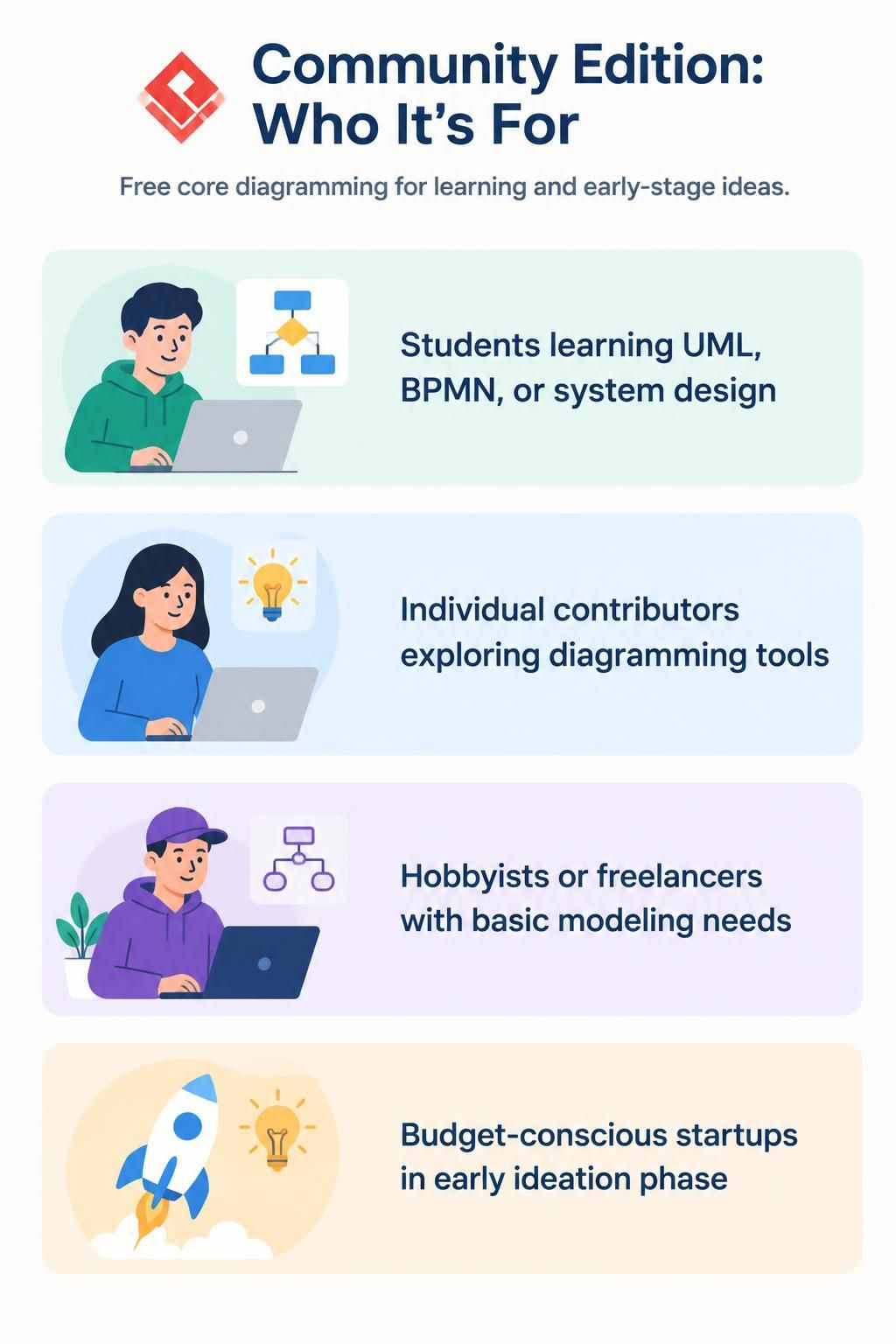
The architecture of the Community Edition is built around the philosophy of accessibility for learners and early-stage innovators. It is not a “watered down” version for the uninitiated, but rather a targeted tool for specific personas:
- Students & Academics: Perfect for mastering the syntax of UML (Unified Modeling Language) and BPMN (Business Process Model and Notation) without financial barriers.
- Individual Contributors: Freelancers or solo developers who need to visualize a system for a client or a personal project.
- Budget-Conscious Startups: Teams in the “ideation phase” that need to map out their MVP (Minimum Viable Product) logic before committing to enterprise licenses.
Core Modeling Capabilities: The Standard Stack
While the full enterprise versions of Visual Paradigm offer deep integration with DevOps pipelines and AI-driven engineering, the Community Edition focuses on the Standard Notation of diagramming. This ensures you can produce professional-grade documentation for the following areas:
1. System Structure & Architecture (UML & SysML)
The Community Edition fully supports the creation of UML diagrams. This includes the Class Diagram for defining object-oriented structures and the Sequence Diagram for visualizing time-based interactions. For those interested in hardware or complex systems, it also provides SysML (Systems Modeling Language) capabilities, though primarily focused on basic structural elements.
2. Business Processes (BPMN)
One of the most critical features is the inclusion of BPMN. This allows you to model business workflows using standard symbols like Gateways, Events, and Tasks. This is essential for bridging the gap between business stakeholders and technical developers.
3. Data & Entity Relationships (ERD)
For database architects, the tool includes Entity Relationship Diagram (ERD) support. This allows you to define tables, columns, and relationships (One-to-One, One-to-Many) visually, which is a prerequisite for SQL database design.
Strategic Limitations: What is Missing?
To understand the architecture of this edition, one must also understand its boundaries. These limitations are not bugs, but deliberate features to encourage upgrades in professional environments.
- No Team Collaboration: The Community Edition is a desktop-first tool. It lacks cloud repositories, meaning you cannot work on the same diagram simultaneously with a colleague. Version control relies on local file management.
- Watermarked Outputs: If you export your diagrams to PDF or Image formats, they will often carry a watermark. This is a strategic limitation intended to prevent the distribution of unlicensed professional assets.
- Missing Advanced Notations: Complex modeling languages such as SoaML (Service Oriented Architecture Modeling Language), CMMN (Case Management), and DFD variants are excluded.
- Lack of AI Features: The tool does not currently utilize AI to auto-generate diagrams or perform automated refactoring.
Building Your First Diagram: A Conceptual Workflow
Even without advanced AI features, the process of creating a high-fidelity diagram in Visual Paradigm follows a logical, step-by-step architectural pattern.
Step 1: Define the Scope
Before drawing a single box, you must identify the system boundary. In a Context Diagram, you define the “Black Box” that represents your system, and the external actors that interact with it.
Step 2: Select the Notation
Navigate to the diagram creation menu. If you are modeling a class structure, select UML Class Diagram. If you are mapping a workflow, select BPMN 2.0. The Community Edition ensures these tools are available, but you must manually manage the complexity.
Step 3: Implementation & Export
Once your model is complete, you can export the result. Be mindful of the file format; while Visio and PowerPoint exports are standard, remember that advanced integrations with tools like Jira or Confluence are reserved for the Enterprise Edition.
The Verdict: Is It Right for You?
The Visual Paradigm Community Edition is an exceptional tool for learning and personal projects. It provides the same core drawing engine as the paid versions, allowing you to create complex UML and SysML models. However, if your workflow requires concurrent editing, team collaboration, or watermark-free professional documentation, you will eventually need to transition to a higher-tier edition.
For the student, the freelancer, or the startup founder, this edition offers a robust sandbox to validate your system architecture before the business scales.